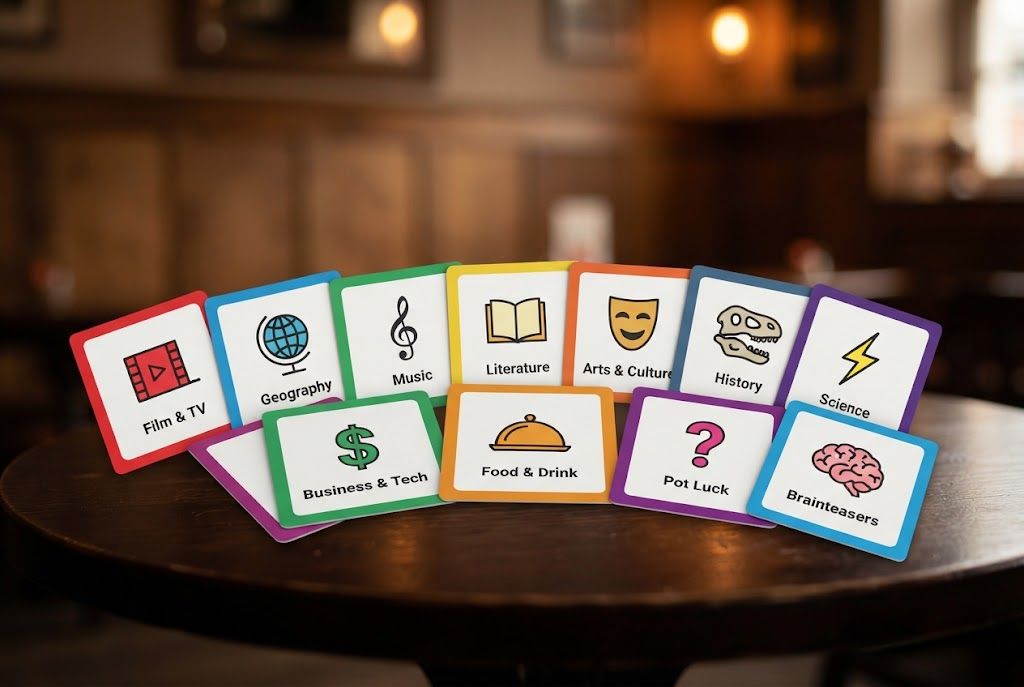
An online pub quiz should feel like a shared event, not a collection of browser tabs. The host still sets the pace, explains the rules and keeps the room involved; the software simply makes joining, answering and scoring easier. PubQS lets players enter a room PIN on their phone while the host controls the quiz from a separate screen.
This guide covers the complete setup for a remote quiz, a quiz shown on screens around a venue, or a hybrid night with both kinds of player.
1. Choose the Quiz Format
Decide how long the event should last before choosing questions. A short social quiz might use three ten-question rounds. A full quiz night usually needs five or six rounds with a brief break. Keep the structure simple enough to explain in one minute.
A reliable lineup includes a broad opening round, a visual round, two subject rounds and a varied finish. You can browse ready-made quiz rounds or combine library rounds with questions created in the round builder.
2. Prepare the Host Screen
Use a laptop or desktop for the host controls. If everyone is in the same venue, connect a second display, television or projector so teams can see the current question. For a remote event, share the question display through your video-call platform rather than sharing the private host controls.
Open every service you need before players arrive and turn off notifications. Keep the charger connected, confirm that the display is readable from the back of the room and test the sound if the quiz contains audio.
3. Create the Room and Share the PIN
Select your rounds in the PubQS host, arrange the lineup and start the quiz. Players visit PubQS on their phone, enter the room PIN and choose a team name. They do not need to install an app.
Display the PIN before the advertised start time. For remote players, paste it into the call chat as well as reading it aloud. Wait until the expected teams appear in the lobby before beginning.
4. Explain the Rules Clearly
Cover the rules before question one:
- How long teams have to answer
- Whether players may discuss answers aloud
- What happens if a connection drops
- Whether speed affects the score
- How ties will be decided
For a venue quiz, ask teams not to search for answers. In a remote quiz, perfection is unrealistic, so favour short answer windows and questions that reward discussion rather than easy web searches.
5. Read and Reveal at a Steady Pace
Even when the question is visible, read it aloud. Pause after names, dates and negatives such as “which is not”. Give teams time to discuss, but avoid long gaps once most answers are in.
The reveal is part of the entertainment. Confirm the answer, add the supplied fact when it is interesting and briefly acknowledge a surprising result. Do not turn every answer into a lecture. Momentum matters more than showing everything you know.
6. Use Visual Rounds Properly
Picture questions are valuable online because they give the audience a different task and reduce dependence on audio quality. Use images with strong contrast and avoid questions based on tiny details. Warn players before screen sharing video or animation, as slower connections may lag.
See our picture quiz round ideas for formats that work on phones and shared displays.
7. Keep the Leaderboard Friendly
Show the standings at planned points rather than after every question. A mid-quiz leaderboard creates a useful break, while a final reveal gives the event a clear ending. Mention teams that have climbed the table as well as the leaders so the lower half stays involved.
If the same groups play regularly, a house league can carry results across several quiz nights and give teams a reason to return.
8. Plan for Connection Problems
Ask players to stay on the same browser tab and keep their phone awake. If one team disconnects briefly, pause at the next natural break rather than interrupting a live question. Have a backup internet connection available for the host when the event matters.
For a hybrid quiz, the host display and room PIN should remain usable even if the video call has a problem. Treat the call as the communication layer, not the place where scores are stored.
9. Finish With a Clear Next Step
After the winner is announced, tell players when the next quiz will happen and share the final result. Regular events grow when teams can anticipate the next date and invite another group.
To get started, build an online pub quiz from the free round library. If this is your first event, our broader guide to running a pub quiz covers prizes, venue setup and crowd management.
Pick ready-made rounds, share a PIN and play from everyone's phones.